 Orakul Cloud
How to get help
Three ways, in the order worth trying them: the first two answer immediately, the third is us, within one business day.
1. Workspace, payment and budget
Your workspace is created automatically right after the first month is paid, usually within a couple of minutes. When it's ready, you get an email with its address (name.orakul.cloud) and the admin password. Workspace status, the AI budget left, paying for the next month and early top-ups all live in your account.
If the email didn't arrive, or your account says the workspace couldn't be created, there's nothing to repeat: we see these cases and handle them ourselves. To speed things up, write to us (step 3) with your workspace address.
2. Ask Orakul Help inside your own panel
Every installation ships with the Orakul Help agent (@help). Pick it from the agent list under "Agent Chat" and ask in plain words. It knows your panel and answers about it, rather than in generalities collected from the internet.
What it covers:
- First steps — first-run panel setup, users, where to start.
- Models and integrations — choosing an AI model from the priced list and connecting a Telegram bot. No AI keys are needed in the cloud: requests are paid from your budget.
- Building agents — "Subagents → Hire a specialist": role key, model, temperature, system prompt; attaching knowledge base documents and tools; switching on background execution.
- Access control — the users allowlist, Telegram permissions, one-time passwords, the "Junior" flag and agent groups.
- Scheduling — recurring CRON tasks and one-off runs: Telegram messages, generated PDF reports.
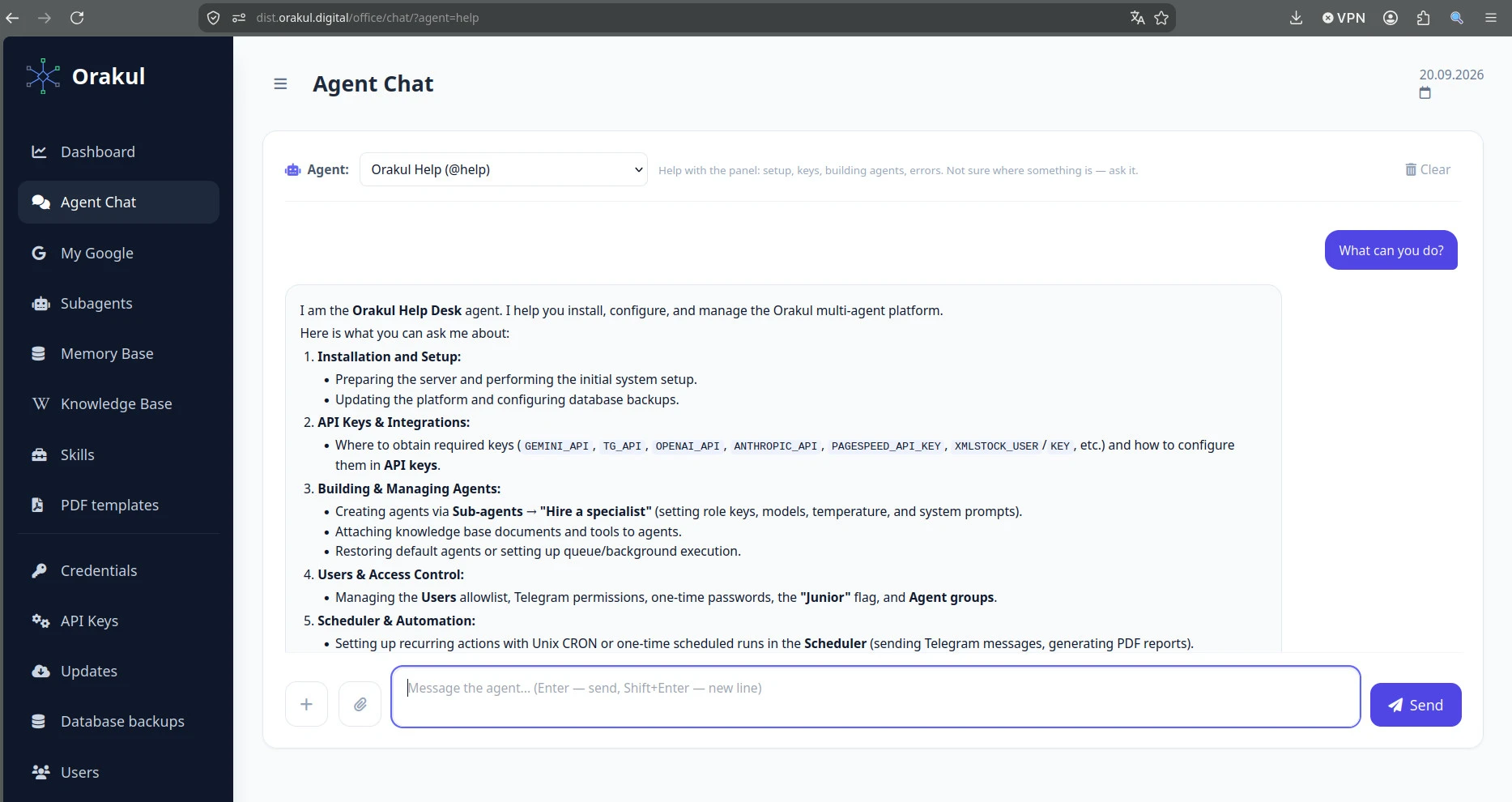
Ask "What can you do?" and the agent answers with a map of the system
3. None of the above — write to us
Describe the task or the problem in your own words: what you were trying to do and what happens instead. Write to max@orakul.digital — we reply within one business day. If a chat is easier, message us on Telegram.